
Automatic categories instead of manual sorting
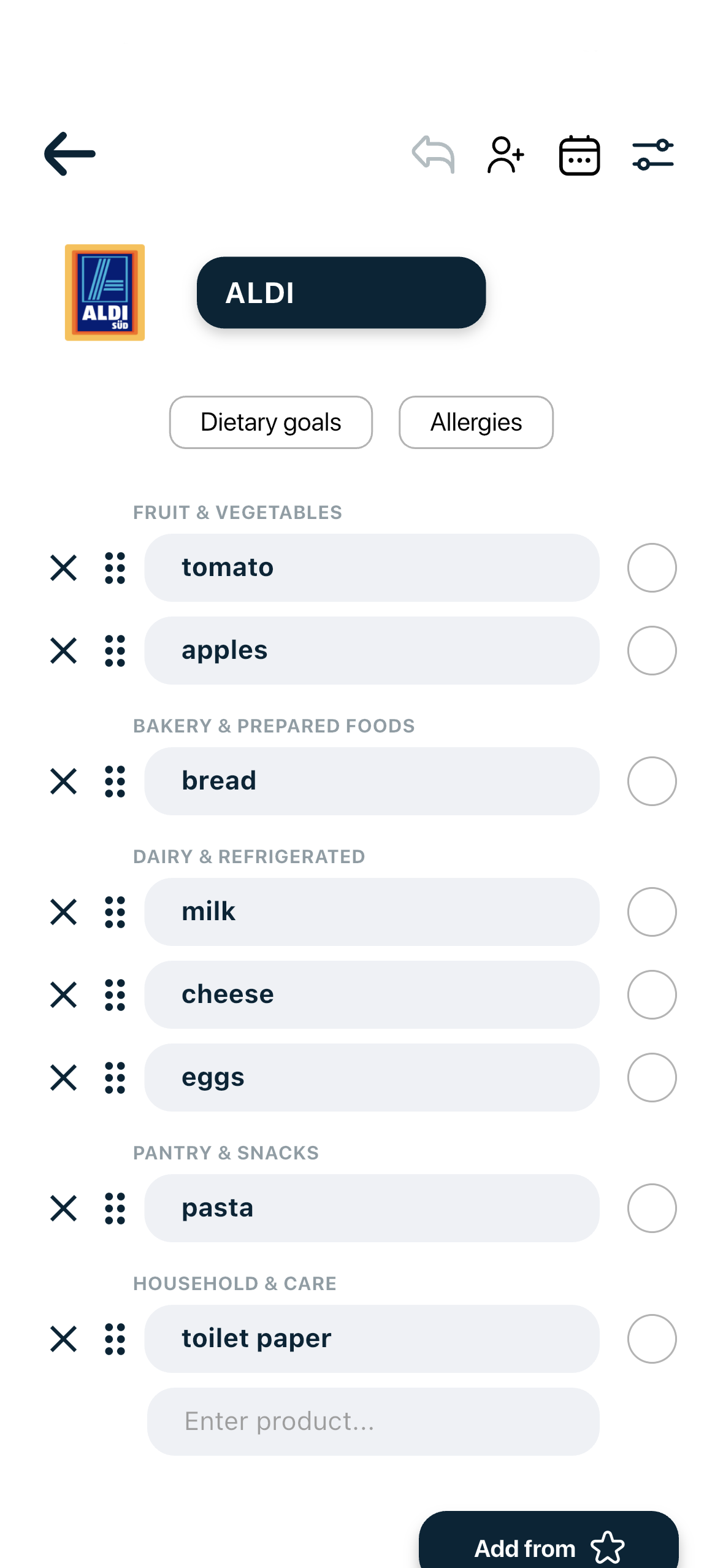
You should not have to drag every item into the right part of a long list. Listek recognises common grocery and household products and assigns each one to a supermarket category for you.
Add products the way you would write them on paper. Listek automatically groups them into supermarket categories, keeps shared lists in sync and gives you useful AI-powered context before checkout.
Free to download • iOS & Android
4.6/5 on the Slovenian App Store.
You should not have to drag every item into the right part of a long list. Listek recognises common grocery and household products and assigns each one to a supermarket category for you.
A list written in the order you remembered things is one long stream. Grouped by category, the same list becomes a handful of short blocks you can scan at a glance while you move through the store.
Type products in your own words rather than hunting through a rigid catalogue. The point is to get the item on the list in a second and let the organisation happen behind the scenes.
A big weekly shop, a party and the household essentials can live on one list without it becoming unreadable, because each new item lands in the right group automatically.
The core interaction is still a simple list. Everything else is built around it — see the full feature overview on the grocery list app page.
Listek can review the list as a whole and give you a short AI-generated summary with Nutri-Score context and practical swap ideas. How that works is explained on our nutrition insights page.
Add a dietary goal or selected allergy and sensitivity filters and Listek adds extra list-level signals. Leave them off and the list stays a plain, fast list.
Automatic organisation also applies to a shared grocery list, so a list several people add to still arrives at the shop tidy.
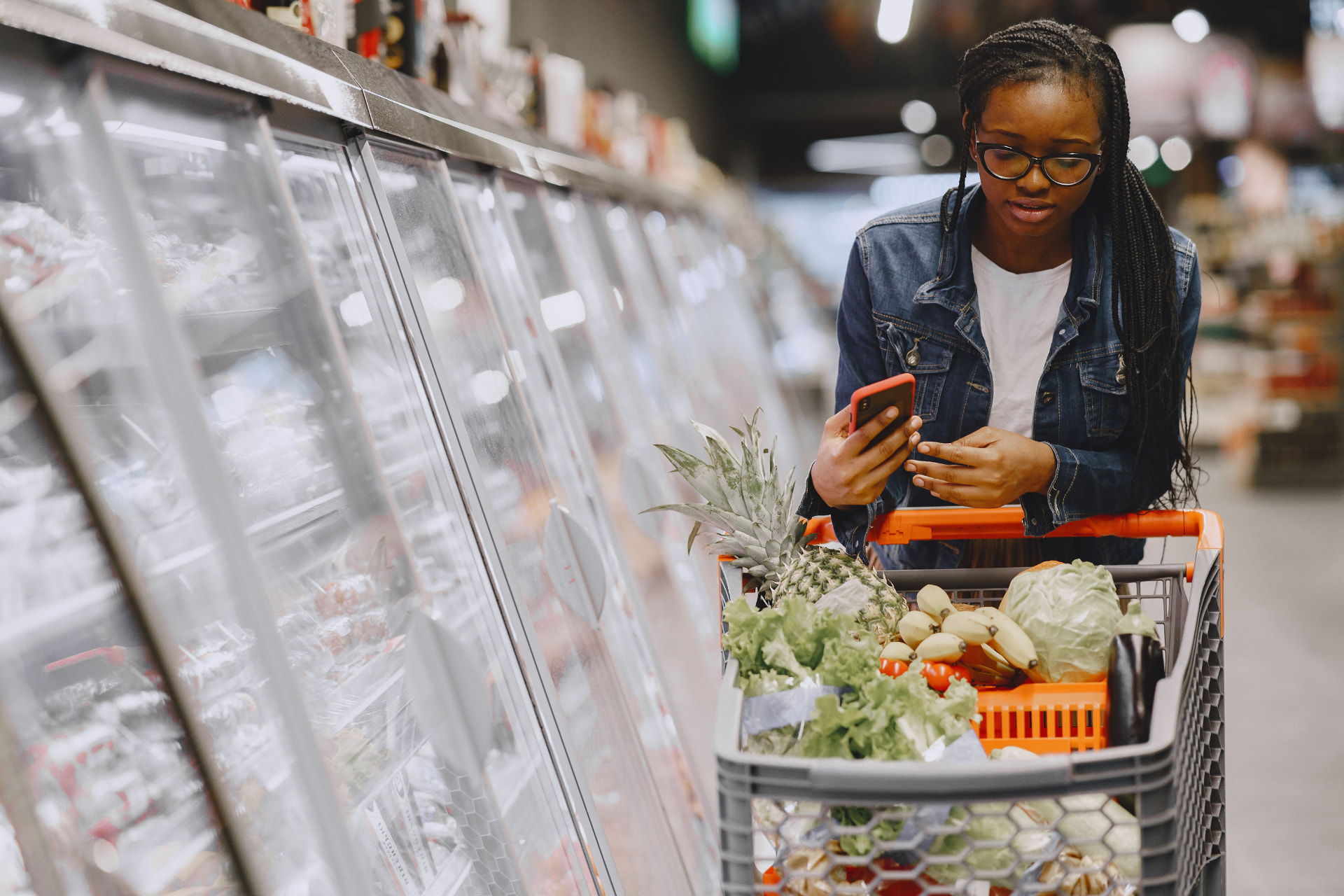
You add products normally — "milk", "bananas", "washing powder". Listek recognises common grocery and household products and assigns each one to one of its supermarket categories, such as Fruit & Vegetables, Bakery & Prepared Foods, Dairy & Refrigerated, Meat & Seafood, Pantry & Snacks, Beverages, Frozen Foods, Household & Care and Other.
The list is then displayed grouped by those categories rather than in the order you typed things in. Listek does not know the physical aisle layout of your specific supermarket and does not plan a route through the store — it makes the list easier to scan, and you stay in control of the order you shop in.


Plan together. Shop with less friction. Get useful AI-powered insights before you buy.
Free to download • Available on iOS and Android
Scan to download